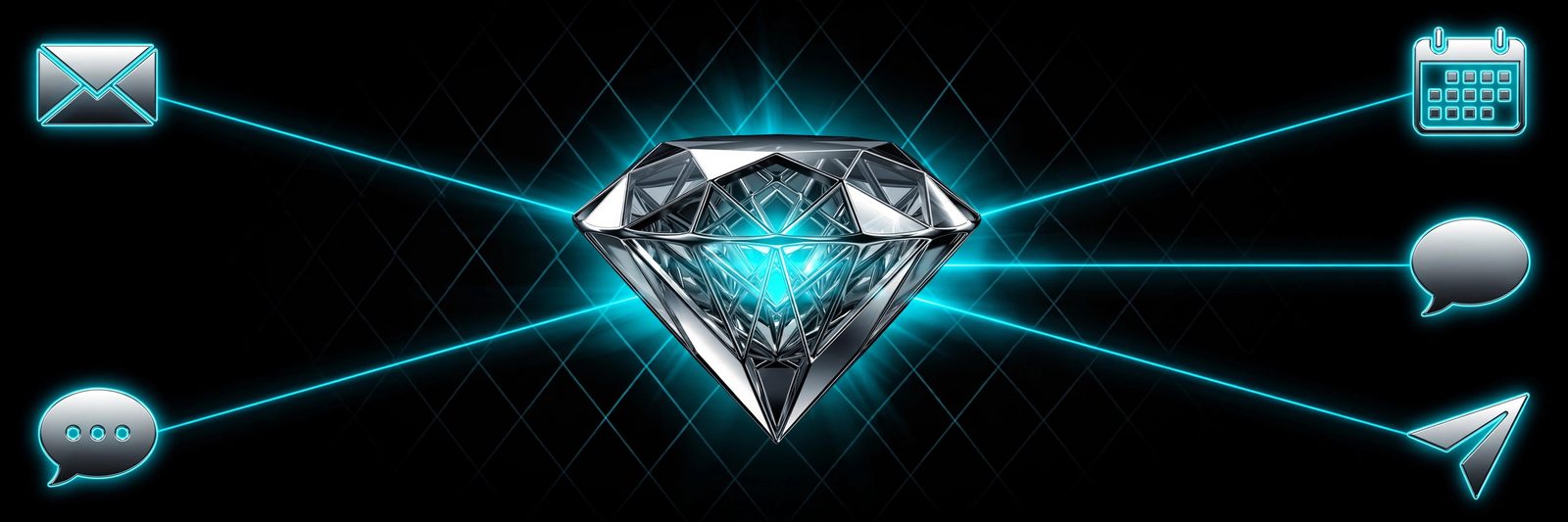
Each surface is wired for oversight — every agent action monitored for accuracy, tone, and policy, exceptions escalated with full context. No glue code, no middleware you maintain.
Five channels · one loop
Productivity suite
Google Workspace
The connector that gives your agent a day job. It reads Gmail, Calendar, and Drive through granular OAuth scopes you control — the loop perceives your actual workday and acts inside it.
Drive awareness — changed docs surface in briefings automatically
Per-scope auth — grant mail, calendar, drive independently; revoke anytime
aoc connect google-workspace # guided OAuth flow
Universal inbox
Email
Not on Google? Any IMAP/SMTP mailbox comes under full watch. Every read, draft, and send is monitored and logged — governed by the oversight policies you set.
Two-way texting over the Telenyx network. Inbound SMS is a first-class loop event — it wakes the agent instantly, day or night. Outbound texts carry escalations, confirmations, and alerts under your rules.
Think of it as a conversational command line for your agent. Ask for briefings, approve plans, flip feature flags, and inspect the loop journal — all from any Telegram chat, anywhere.
Fastest setup — bot token in, talking to your agent in a minute
Plan approvals — agent proposes, you tap approve from chat
Flag control — toggle behavior without opening a dashboard
Loop inspection — journal, memory, and tick status on demand
aoc connect telegram # paste bot token when prompted
Team messaging
WhatsApp
Meet your team where they already talk. The WhatsApp connector keeps long-running threads in context for the oversight plane — a follow-up three days later still carries the full story for any human who picks up the escalation.
◂ inbound: messages, group mentionsoutbound: replies, digests, follow-ups ▸
Thread persistence — context survives across days and ticks
Group awareness — agent responds when mentioned, stays quiet otherwise
Digest mode — compress noisy groups into scheduled summaries
Business API — connects through your WhatsApp Business number
aoc connect whatsapp # guided Business API pairing
Early access
Wire your world into the loop.
All five connectors ship at launch. Join the waitlist and pick your first channel when your slot opens.